
Build Pages by Simply
Describing Them
Tell WebOS’s built-in AI what you want, and watch your layout come to life in seconds. No coding, no design experience, no starting from scratch. It handles the heavy lifting so you can focus on your content.
Already have a page you want to update? Just tell the AI what to change—swap a layout, adjust spacing, or restyle a section—and it applies the update instantly. Keep chatting until it’s exactly right, with no manual dragging or guesswork.
A Cleaner, More Modern Workspace
We redesigned the webOS interface so your workflow stays focused and clutter-free. Whether you're embedding a PDF, linking a social post, or dropping in a video, everything lives in one place—so you spend less time searching and more time building.
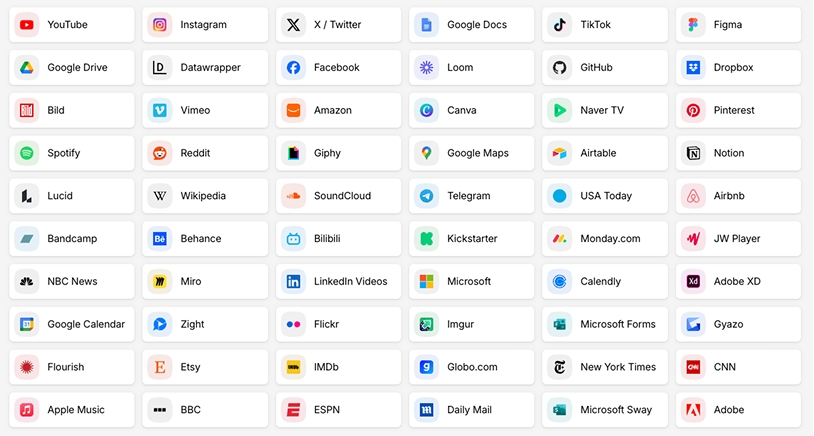
Over 1,900 Ways to Add Content
The new Insert button brings every content type you need into a single, streamlined menu. Upload images, videos, documents, or links without hunting through cluttered menus or separate tools. It’s a simpler way to build out your pages from start to finish.
Catch Issues Before You Go Live
Spot spacing problems, awkward image crops, or text overflow before visitors ever see them. Switch views and adjust with confidence, knowing your site looks its best no matter how—or where—it’s viewed.
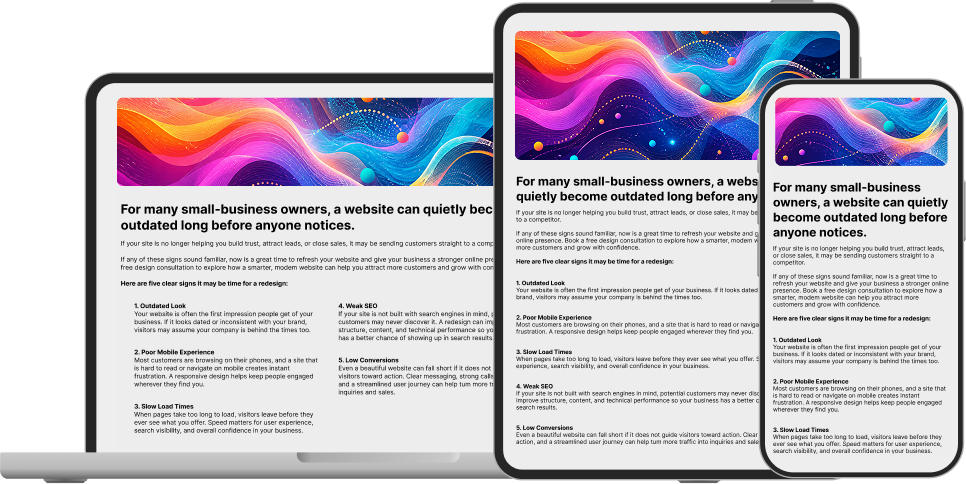
See Your Site on Every Screen, Instantly
Preview your page exactly as visitors will see it—on desktop, tablet, or mobile—with a single click. No more guessing how your design holds up across devices or switching between browser windows to check.